FreshTag helps WordPress site owners show freshness signals, detect outdated content, and keep content looking mainteina for users and SEO.
Works with any WordPress theme
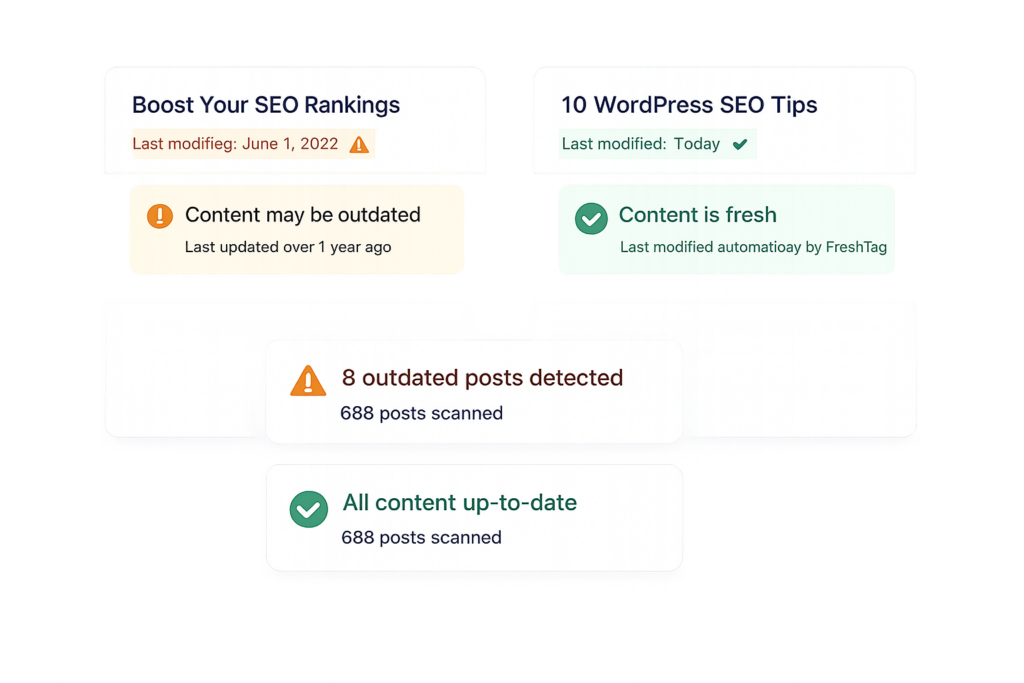
Automatically identifies posts and pages that haven’t been updated within your defined timeframe.
Set custom rules (e.g. 30, 60, 90 days) to control when content is considered outdated.
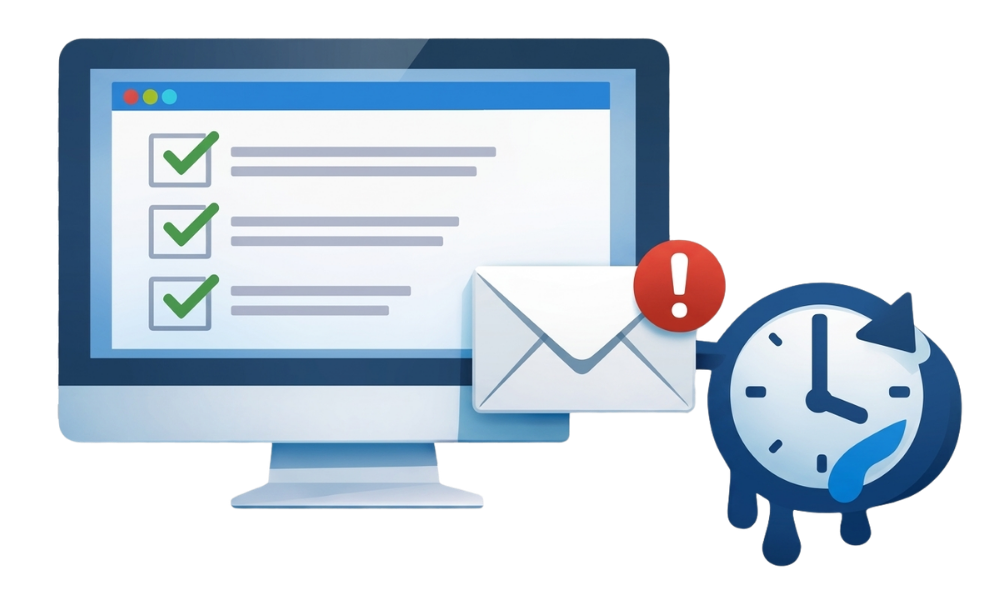
Get alerts the moment content becomes outdated so you can take action quickly.
Automatically update modified or publish dates to maintain freshness signals.
Spread updates across multiple days to avoid unnatural bulk updates.
Works with Posts, Pages, and Custom Post Types for full-site coverage.
Creating urgency increases conversions. EZ Countdown Timer helps you:
| Features | Free | Pro |
|---|---|---|
| Outdated Content Detection | ✓ | ✓ |
| Email Alerts | ✗ | ✓ |
| Auto Date Updates | ✗ | ✓ |
| Drip Updates | ✗ | ✓ |
| Update Publish Dates | ✗ | ✓ |
| Custom Post Type Monitoring | Limited | Full |
| Update Logs & History | ✗ | ✓ |
Set rules once and let Freshtag Pro continuously monitor and refresh outdated posts without manual effort.
Perfect for sites with hundreds or thousands of posts — track, update, and maintain everything from one dashboard.
Support ranking improvements by ensuring your content always appears recently updated to search engines.
Automatically keep product reviews, comparisons, and affiliate pages looking current and trustworthy.
Handle multiple client sites with automated alerts and updates instead of manual audits.
Avoid unnatural bulk updates by spreading content refreshes across days for a natural update pattern.
Yes, you must install and activate the free Freshtag plugin first.
It uses a scheduled WP-Cron job to compare content against your freshness rules.
Yes, you can define the number of days (e.g. 60 days).
Yes, you can enable Custom Post Types in settings.
You can choose between updating modified or publish dates.
They spread updates over multiple days instead of updating everything at once.
Yes, you can turn off auto updates and only use alerts.
You’ll see a notice prompting you to enable it or use a server cron job.
Yes, Pro version sends alerts when content becomes outdated.
Yes, Pro version sends alerts when content becomes outdated.
No — when used correctly, it improves freshness signals and helps rankings.
Yes, the interface is simple and requires minimal setup.
Never let outdated posts hurt your SEO or credibility again.

Choose a FreshTag plan that fits your needs